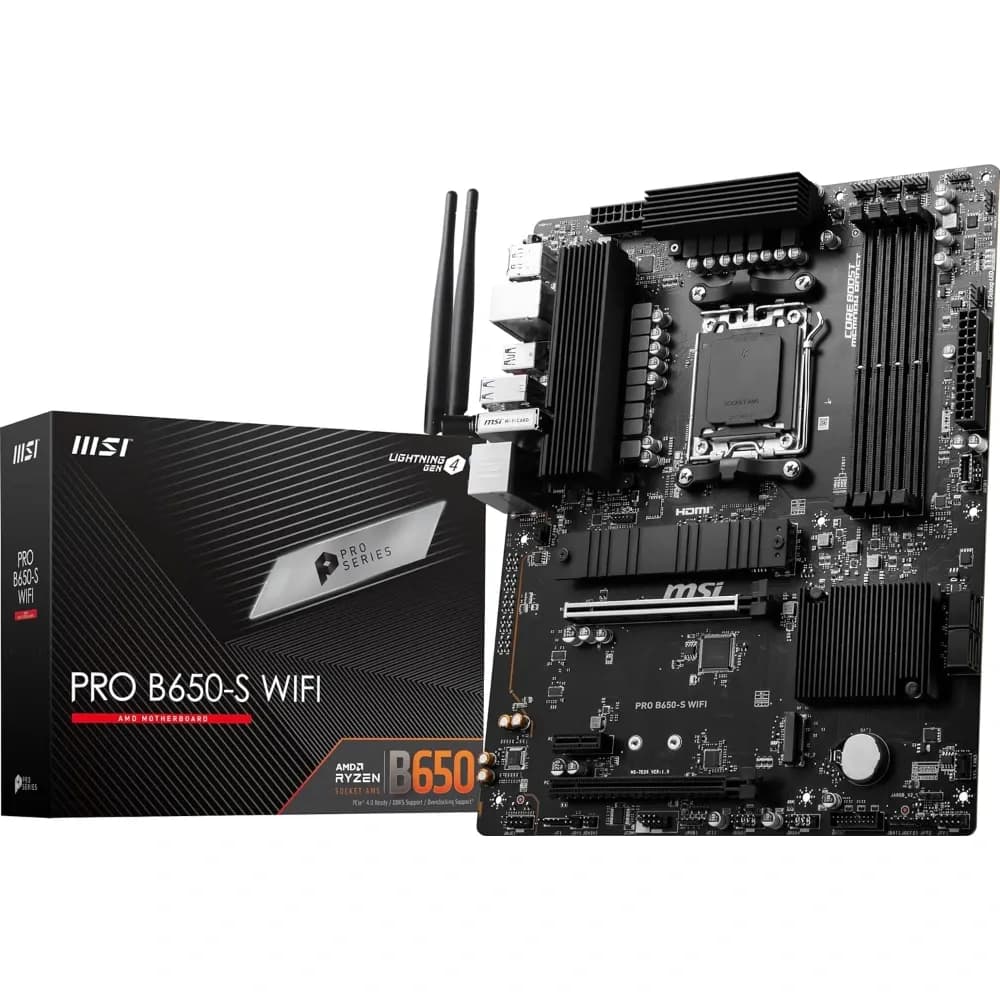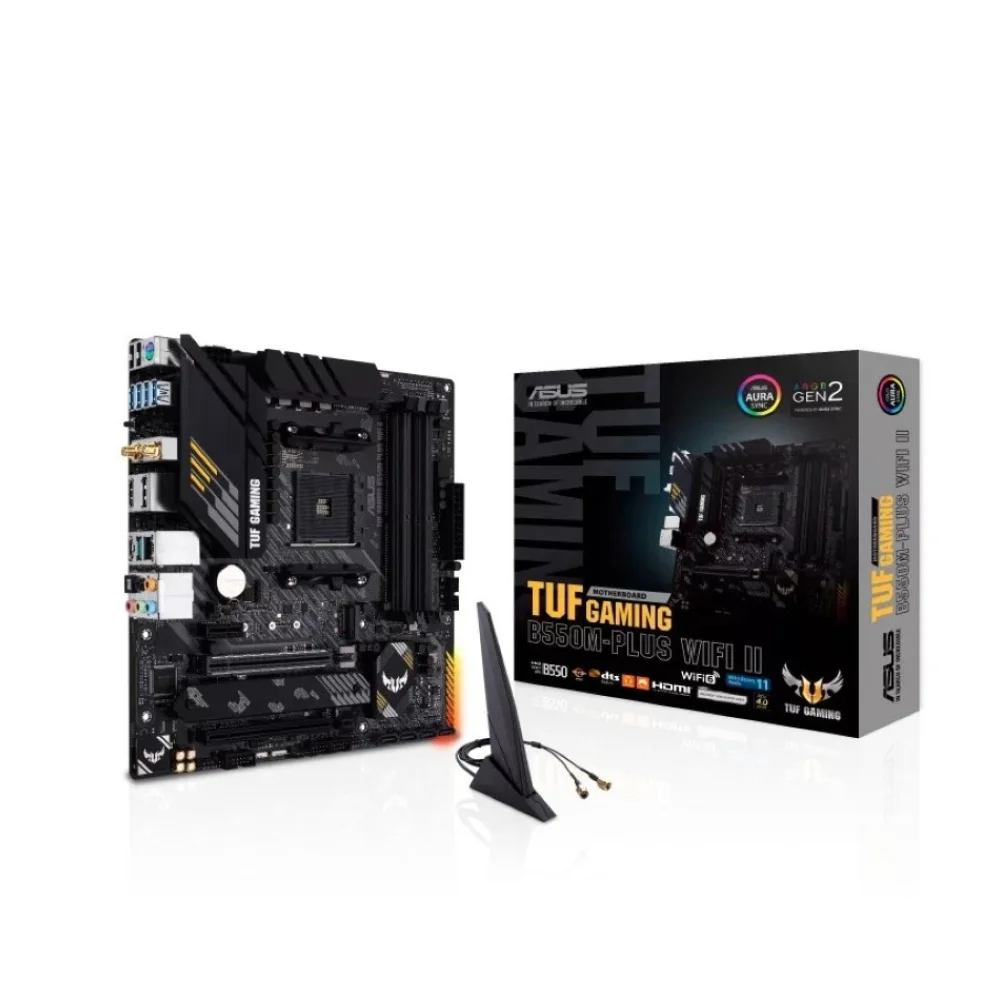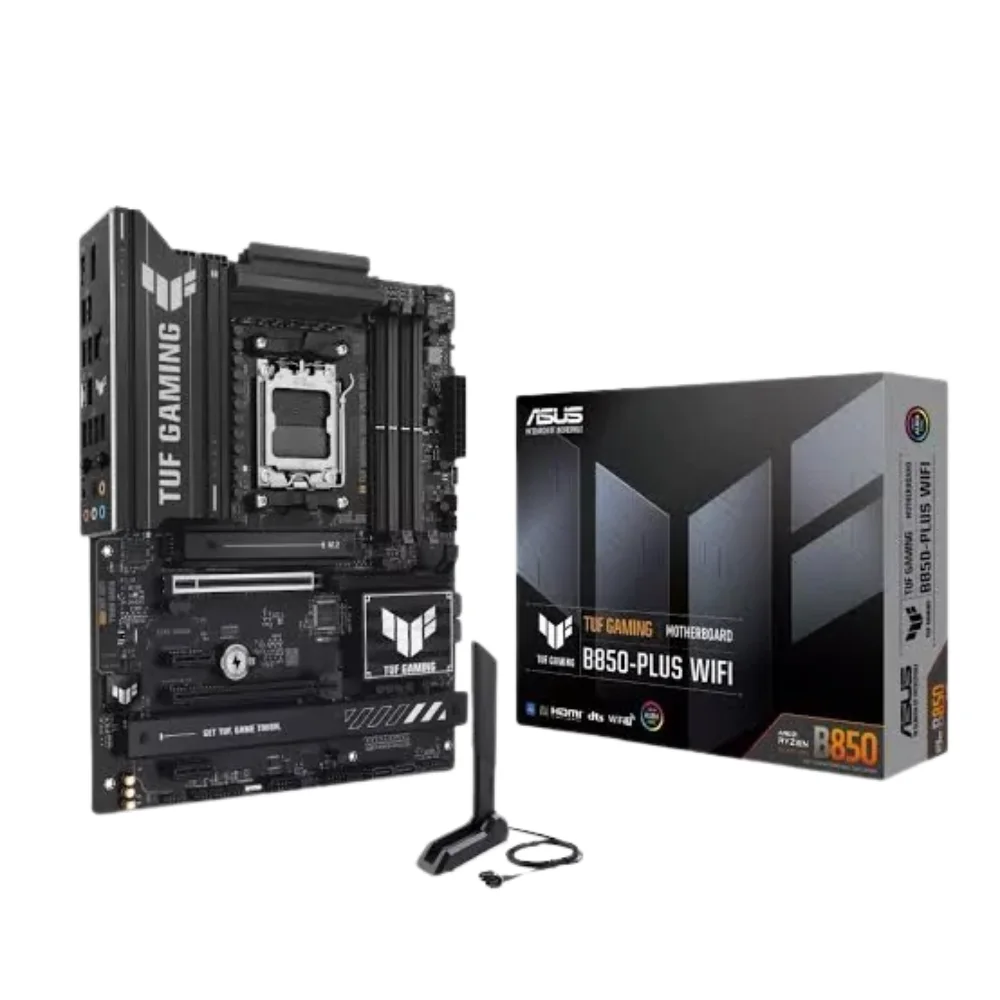
Loading product…

Loading product…

Item DC-7781
Only 1 left
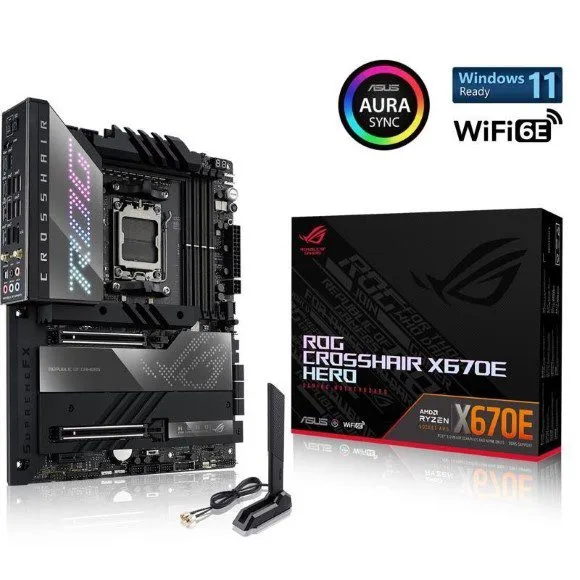
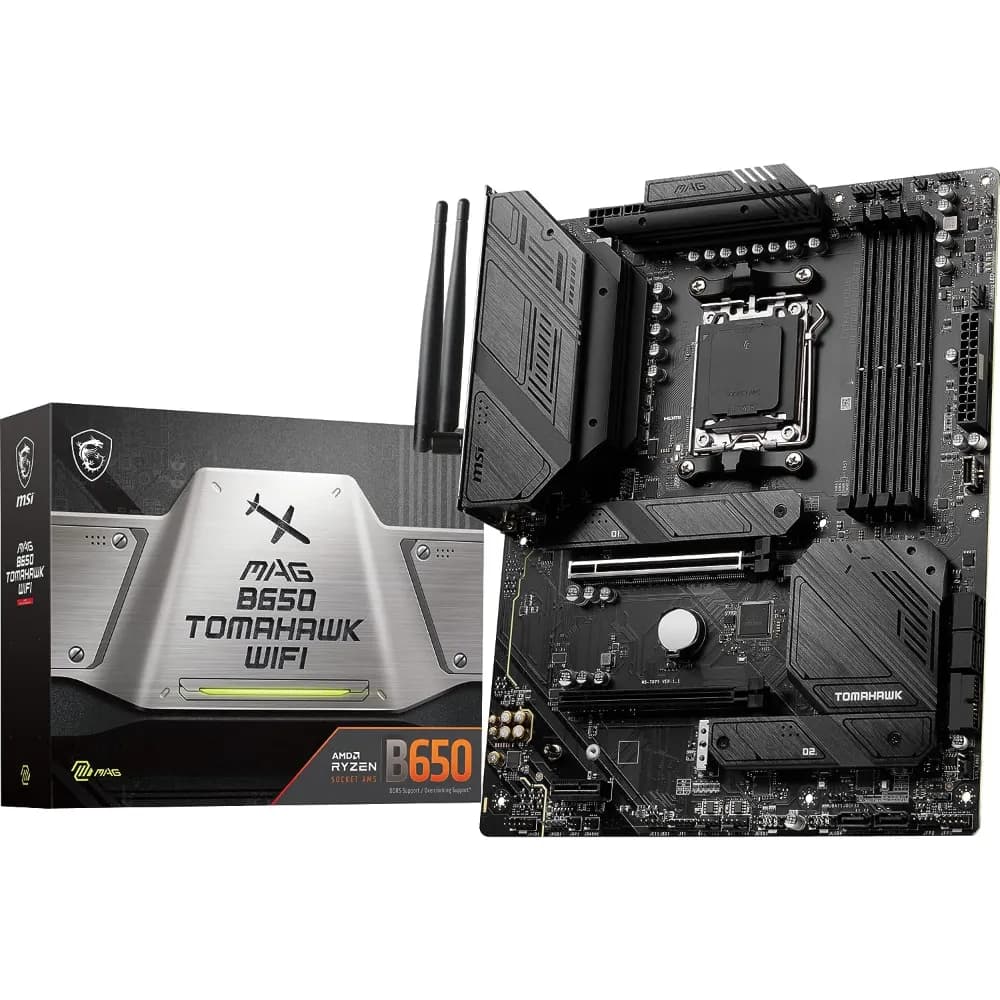
| Chipset | AMD X870E |
|---|---|
| CPU | Supports AMD Ryzen™ 9000/ 8000/ 7000 Series Desktop Processors Socket AM5 |
| Memory | 4x DDR5 UDIMM, Maximum Memory Capacity 256GB Memory Support DDR5 9200 - 5600 (OC) MT/s / 5600 - 4800 (JEDEC) MT/s Ryzen™ 9000 Series Processors max. overclocking: • 1DPC 1R Max speed up to 8400+ MT/s • 1DPC 2R Max speed up to 6400+ MT/s • 2DPC 1R Max speed up to 6400+ MT/s • 2DPC 2R Max speed up to 6400+ MT/s Supports AMD POR Speed and JEDEC Speed Supports Memory Overclocking and AMD EXPOTM Supports Dual-Channel mode Supports Non-ECC, Un-buffered memory Supports CUDIMM, Clock Driver bypass mode only* * CUDIMM support and POR boot frequency may vary by CPU series, with manual overclocking available after boot. Certain CPUs may fail to boot, but future BIOS updates will improve compatibility. ** Memory compatibility and supported speeds can vary depending on the CPU and memory configuration. For detailed information, please refer to the Memory Compatibility List available on the product’s Support page or visit https://www.msi.com/support/. |
| Onboard Graphics | 2x Type-C DisplayPort USB4® port, supporting DisplayPort 1.4 with HBR3 over USB Type-C, maximum resolution of 4K@60Hz* * Available only on processors featuring integrated graphics. Graphics specifications may vary depending on the CPU installed. |
| Slot | 2x PCI-E x16 slot 1x PCI-E x4 slot PCI_E1 Gen PCIe 5.0 supports up to x16 (From CPU) PCI_E2 Gen PCIe 5.0 supports up to x8 (From CPU) PCI_E3 Gen PCIe 4.0 supports up to x4 (From Chipset) PCI_E1 & PCI_E2 slots • Supports up to PCIe 5.0 x16/ x0 or x8/ x8 (For Ryzen™9000/ 7000 Series processors) • Supports up to PCIe 4.0 x8/ x0 (For Ryzen™ 8700/ 8600/ 8400 Series processors) • Supports up to PCIe 4.0 x4/ x0 (For Ryzen™ 8500/ 8300 Series processors) PCI_E3 slot • Supports up to PCIe 4.0 x4 * PCI_E3 slot will run at x2 speed when installing device in the M2_4 slot. You can switch PCI_E3 slot to x4 in the BIOS, but this will disable the M2_4 slot. Please refer to the PCIe configuration table in the manual for more details. |
| Audio | Realtek® ALC4082 Codec + ESS9219Q Combo DAC/HPA 7.1-Channel USB High-Performance Audio Supports S/PDIF output Supports up to 32-Bit/384 kHz playback on front panel |
| Storage | 7x M.2 M.2_1 Source (From CPU) supports up to PCIe 5.0 x4 , supports 2280/2260 devices M.2_2 Source (From CPU) supports up to PCIe 5.0 x4 , supports 2280/2260 devices M.2_3 Source (From Chipset) supports up to PCIe 4.0 x4 , supports 22110/2280 devices M.2_4 Source (From Chipset) supports up to PCIe 4.0 x2 , supports 2280/2260 devices M.2_5 Source (From Chipset) supports up to PCIe 4.0 x4 , supports 2280/2260 devices 4x SATA 6G M.2_1 Source (via M.2 XPANDER-Z SLIDER GEN5) supports up to PCIe 5.0 x4 , supports 2280 devices M.2_2 Source (via M.2 XPANDER-Z SLIDER GEN5) supports up to PCIe 5.0 x4 , supports 2280 devices M.2_1: • Supports up to PCIe 5.0 x4 (For Ryzen™ 9000/ 7000 Series processors) • Supports up to PCIe 4.0 x4 (For Ryzen™ 8000 Series processors) M.2_2: • Supports up to PCIe 5.0 x4 (For Ryzen™ 9000/ 7000 Series processors) • Supports up to PCIe 4.0 x4 (For Ryzen™ 8700/ 8600/ 8400 Series processors) • The M2_2 slot will be unavailable when using Ryzen™ 8500/ 8300 Series processors. M2_4: PCI_E3 slot will run at x2 speed when installing device in the M2_4 slot. You can switch PCI_E3 slot to x4 in the BIOS, but this will disable the M2_4 slot. |
No reviews yet. Bought it? Tell others what you think.